Your digital menu and online orders, in one link
Guests open it from a QR code or Instagram, order at the table or for delivery, and the order reaches your dashboard or your WhatsApp. In English, Arabic and more.
No time to type it in? Send a photo of your menu on WhatsApp and we build it for you, free.
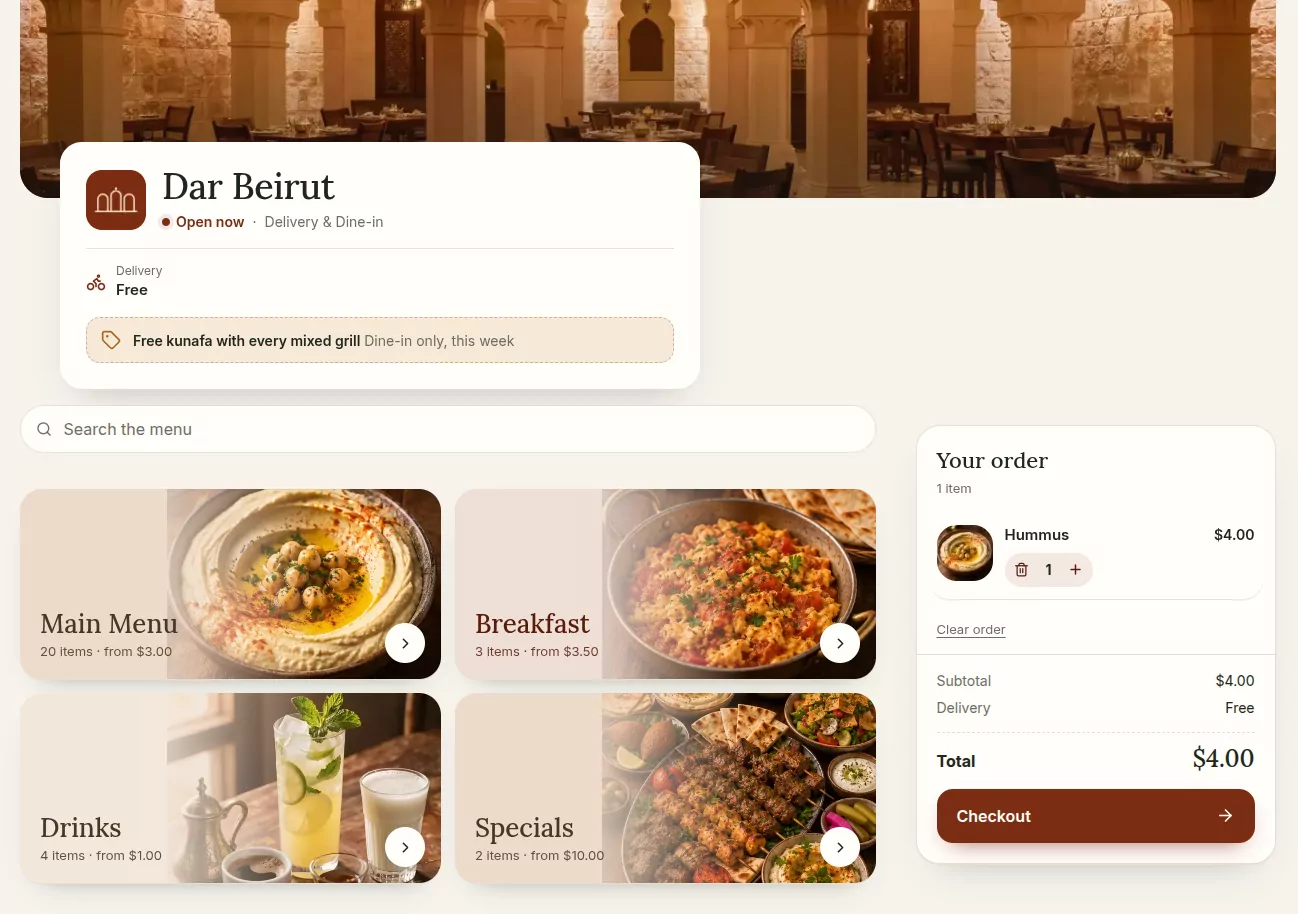
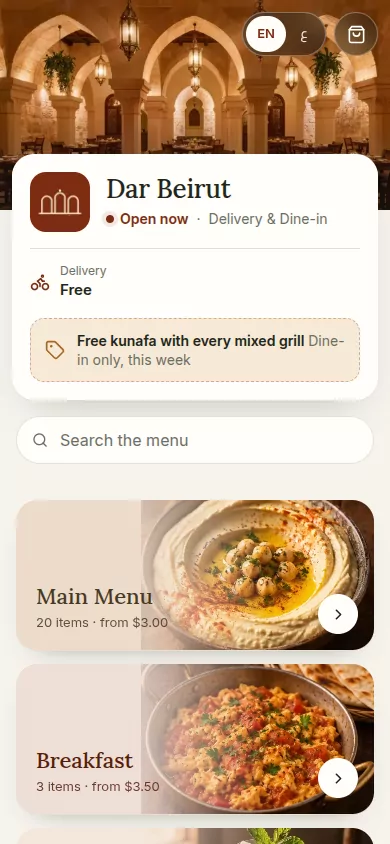
Online ordering
From the first tap to the kitchen ticket
Guests order without an app or an account. You choose where the orders land.
1 · Open
QR, link or Instagram
Print your QR for the tables and the door, and put the same link in your Instagram bio and Google listing.
2 · Order
Dine-in, delivery or later
Add-ons and notes, delivery fee and minimum, free delivery over an amount, and orders for a later time slot.
3 · Pay
Cash or card
Cash on delivery, or card straight to your own Stripe account. Promo codes apply at checkout.
4 · Receive
Dashboard or WhatsApp
An alarm that rings until someone accepts, a printable receipt, and live tracking for the guest. Or each order as a ready WhatsApp message.
- Menu-wide offers with crossed-out prices
- Promo codes
- Sold out today, one switch
- Order confirmation by email
- Loyalty
Menu designs
Pick a look that fits your place
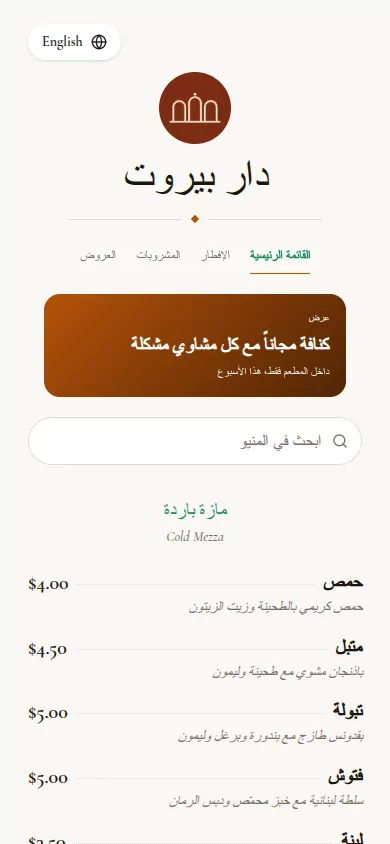
The same menu, six ways. Switch any time in Settings and see it on phone, tablet and desktop before you publish. No photos yet? Menu card and Lounge look great without them.
Storefront
For ordering: cart, checkout, tracking
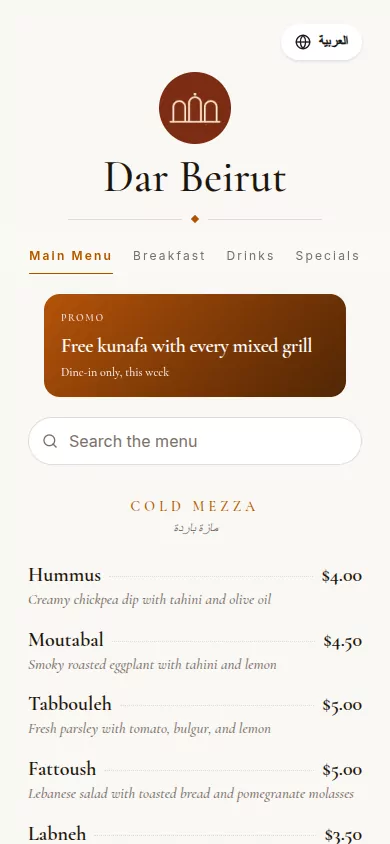
Menu card
Like a printed menu, no photos needed
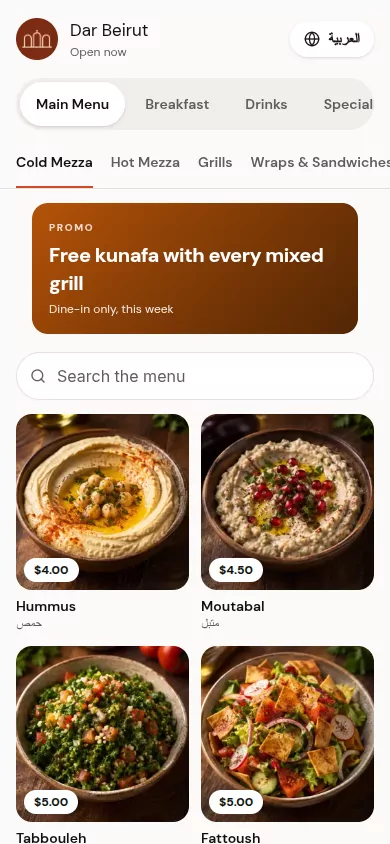
Gallery
Dish photos first, two per row
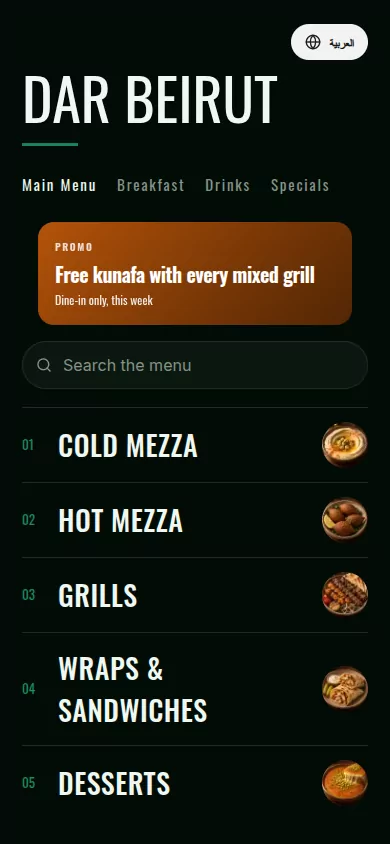
Lounge
Big type for bars and dark rooms
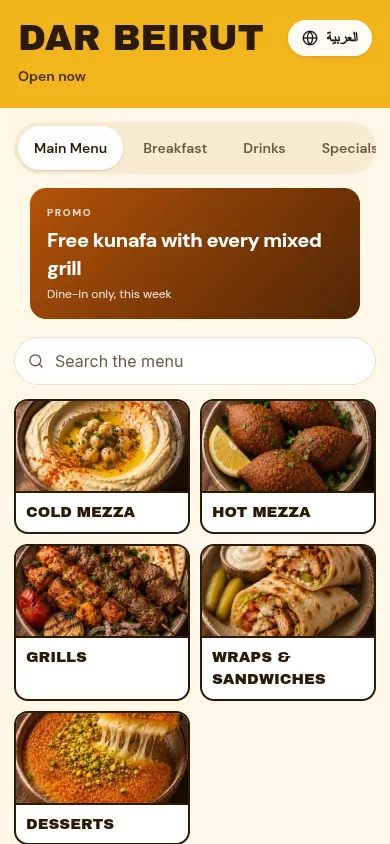
Street
Bold blocks for fast food
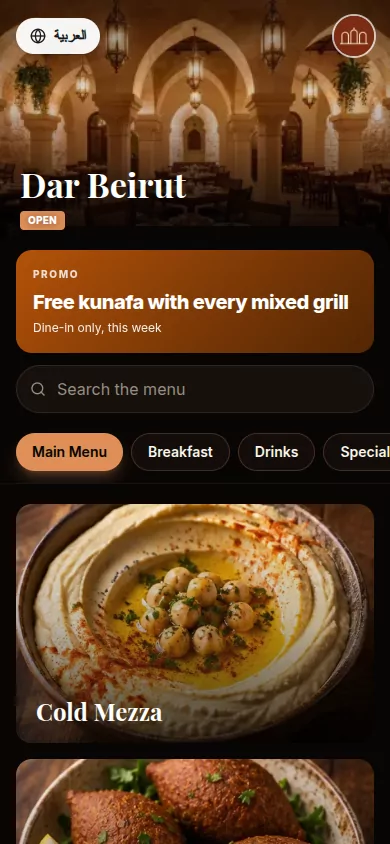
Signature
Cover photo and big section photos
Languages
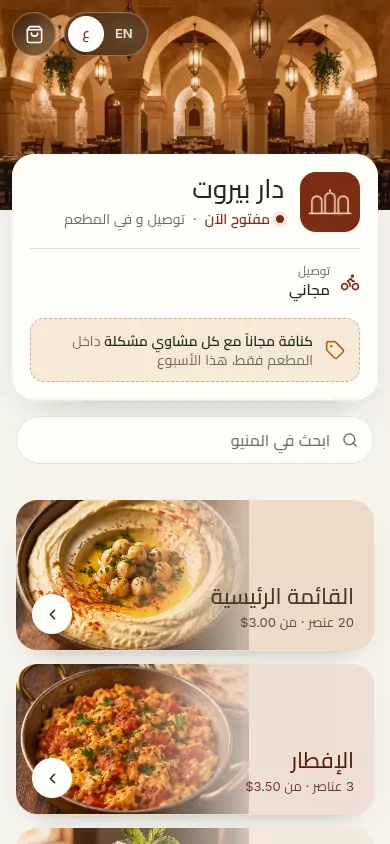
Every guest reads it in their language
English, Arabic, Bulgarian and more, with right-to-left done properly. Guests switch with one tap, and you choose which language it opens in. WhatsApp orders arrive in the guest's language too.
New · Insights
Know your busy hours and best sellers
Sales, orders and menu views against the period before, the dishes that sell and the ones nobody orders, your regulars, and how each offer and promo code did.
On the Orders page: filter by any dates, search by name, phone or order number, and export to Excel.
Business and Pro plansSales
$2,480
▲ 12%
Orders
164
▲ 8%
Menu views
3,120
▲ 21%
Views → orders
5.3%
▼ 0.4 pts
Sales per day
Best sellers
- Mixed grill48
- Hummus31
- Fattoush22
Busiest: Saturday 20:00–22:00
Sample data
Live today, two ways
No designer, no printing, no app for your guests to install.
Build it yourself
Start from a sample menu for your kind of place and edit it on a live phone preview: names, prices, photos, add-ons. Print your QR when you're happy.
Start freeSend us a photo
Send your paper menu or your Instagram. We type it in, add photos, and send you the link. Free.
Message us on WhatsAppSimple, transparent pricing
Choose the plan that fits your business
Sign up now: first month free, then 50% off your first 12 months
Starter
1 branch
$4.50/mo for your first 12 months
Cancel anytime. No hidden fees.
Questions owners ask
Do I have to sign up before sending my menu?
No. Send us a photo or PDF of your menu and we create the account and the menu for you, then send you the link to check.
Do my guests need to download an app?
No. They scan the QR code or tap your link and the menu opens in their phone's browser. Ordering needs no account either.
How do I change a price later?
From your phone: open Menu, type the new price next to the item, and it changes for every guest at once. Your printed QR code stays the same.
What happens after the free month?
You pick the plan that suits you and carry on. If you don't subscribe, the menu pauses for guests until you do, and everything is still in your account.
Put your menu online this week
Build it in minutes, or send us a photo and we do it for you.